1. Choose what you are making
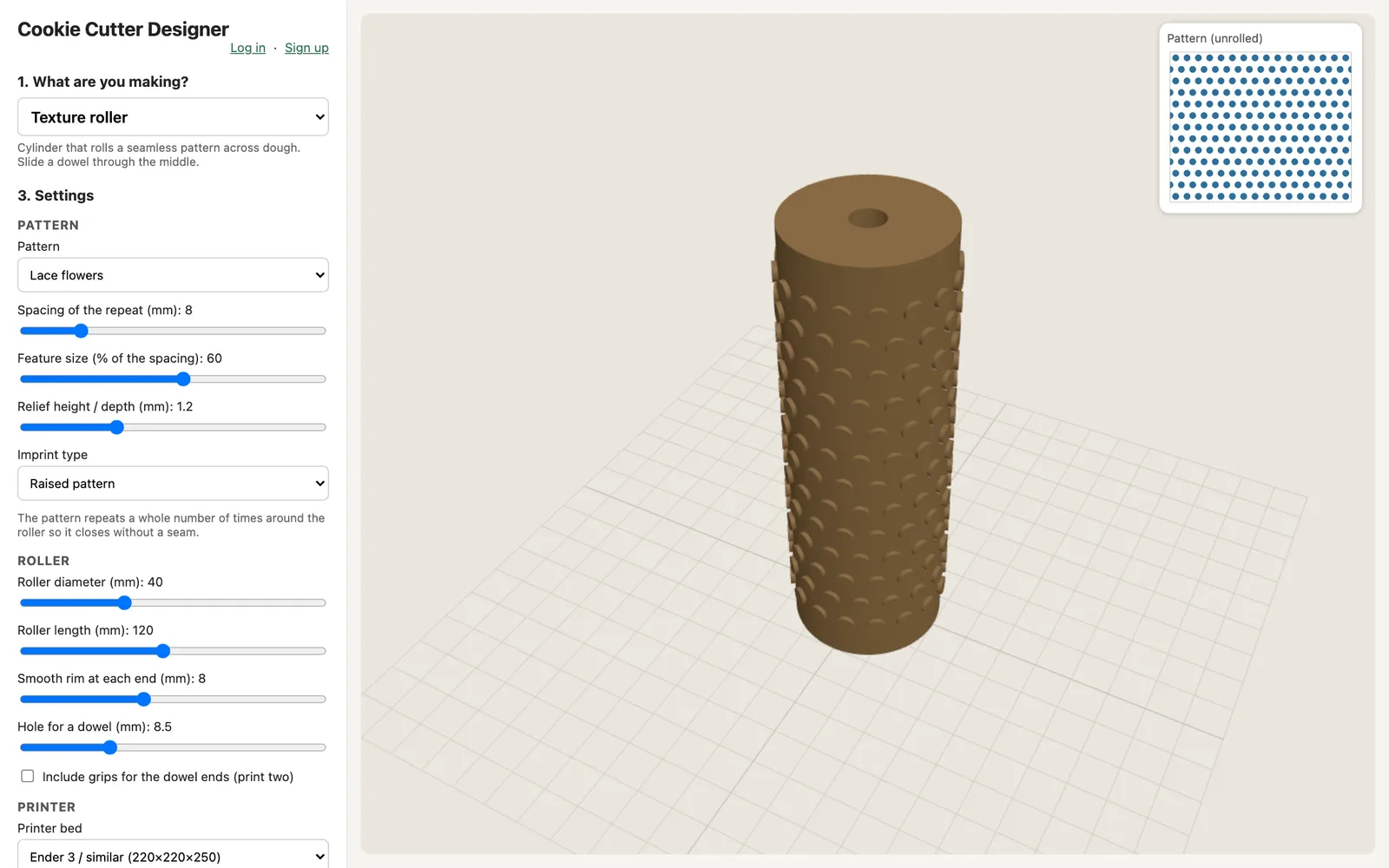
Pick a tool: an outline cutter, a cutter and stamp set, a stencil, a roller, a mold... Each one explains itself in a line.
How it works
Pick a tool: an outline cutter, a cutter and stamp set, a stencil, a roller, a mold... Each one explains itself in a line.
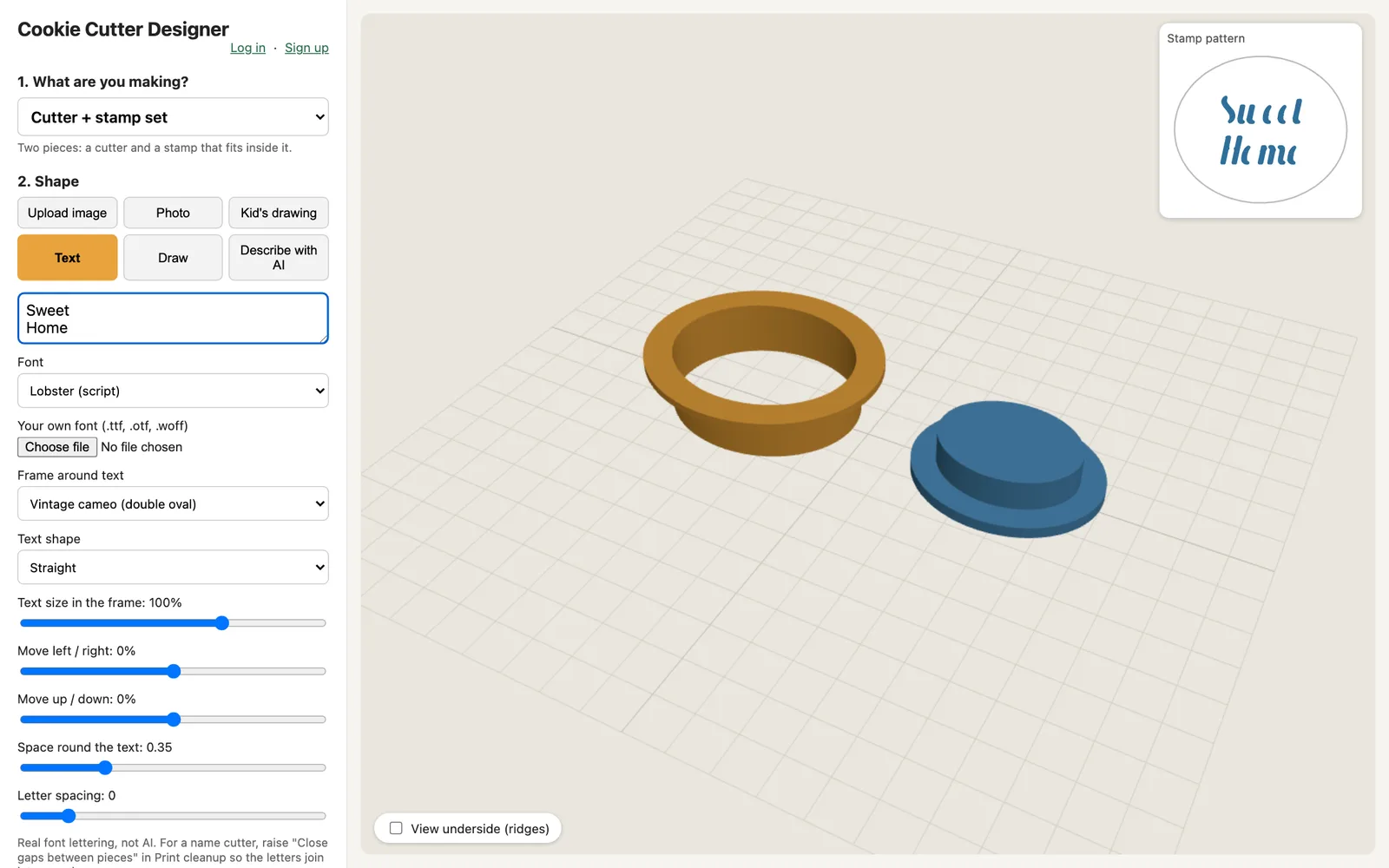
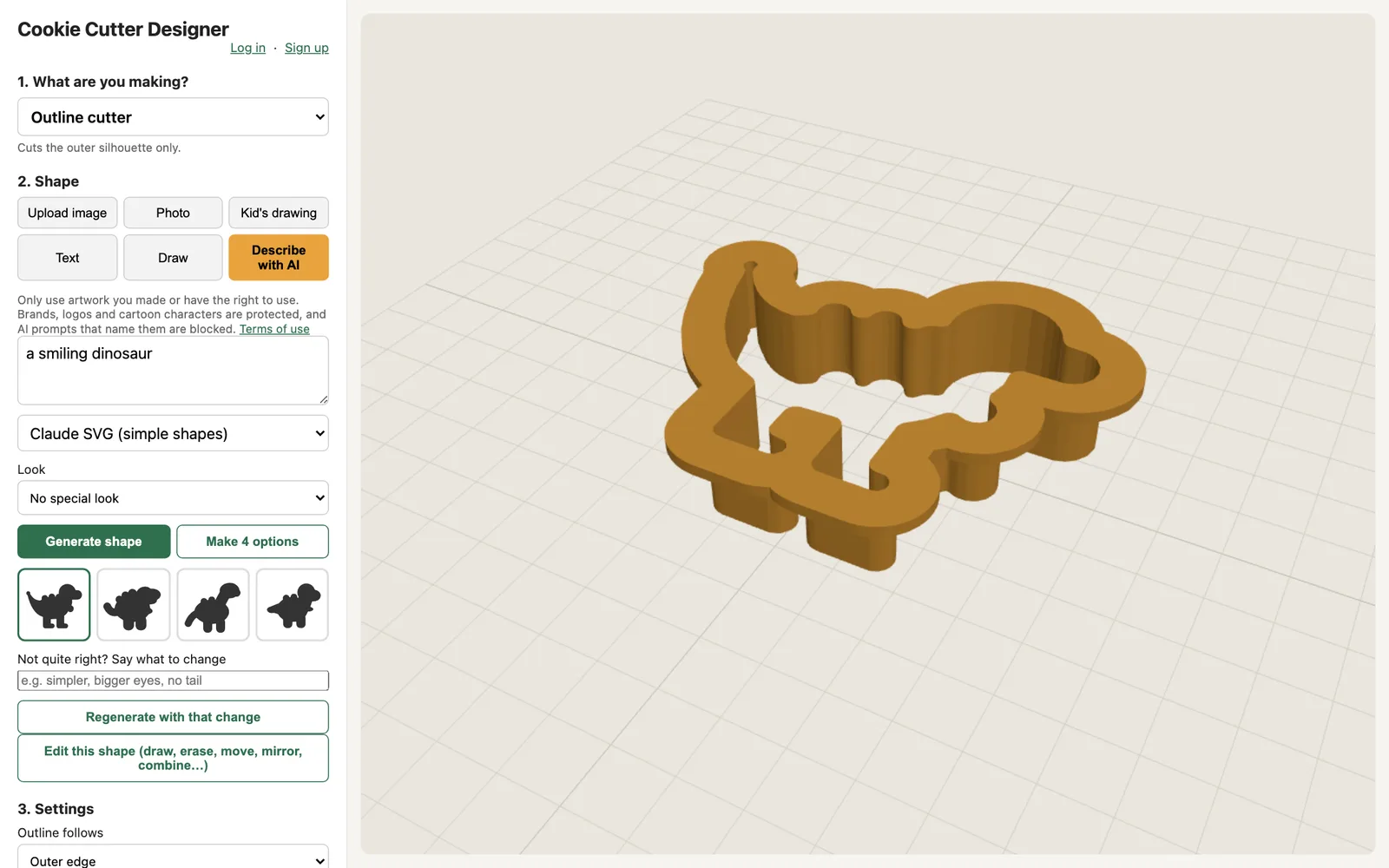
Type text, draw, upload a picture, trace a photo or a child's drawing, or describe it to the AI and choose from four options.
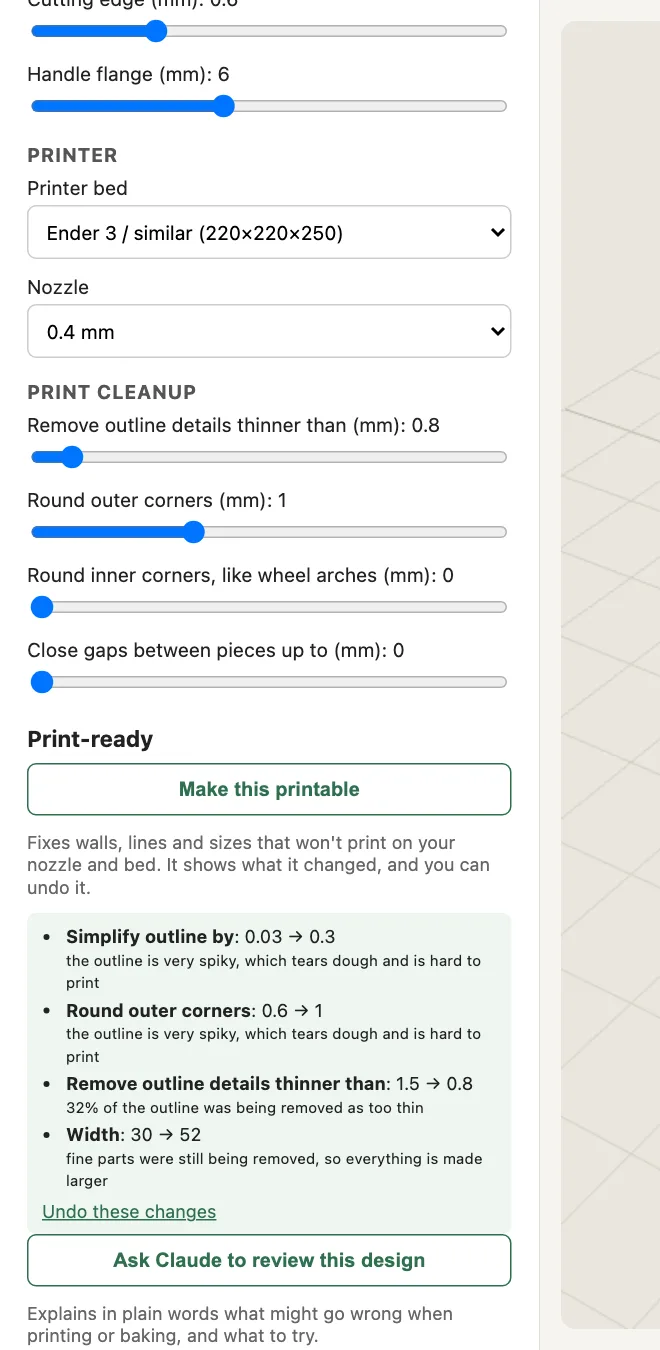
Change size, wall, edge style and more while the 3D view updates. Set your printer bed and nozzle, then press "Make this printable".
Download STL files, or a single 3MF for a set. Print with food-safe filament, then press, cut and bake.
Default settings are sensible estimates. Print a small test piece first: every printer and filament is a little different.